

Exchanging files in enterprise messenger.
Send files and folders of any size to your co-workers!
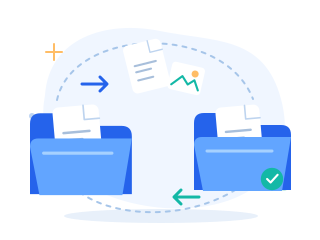
1. Simple file exchanging
Drag files and folders into the open dialog window. Or copy (Ctrl+C) them to the clipboard and then paste them into the chat window (Ctrl+V).

You can send messages or make calls while transferring files. It does not matter whether you are on a local network or behind NAT.
2. High speed saves your time
Files and folders are sent and received at the highest speed possible that is available in your network.

No limitations on size and quantity, unlike email.
3. Helpful integrations with default programs
MyChat can integrate with a context menu of Windows Explorer:
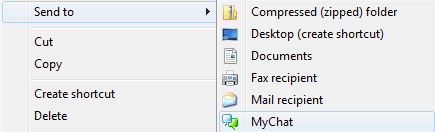
Sends files to people from any Windows program.
4. Reliability and confidentiality
You can also send files to offline people. When employees are online, MyChat Server sends them everything safely and securely.

Nobody has access to important files except the recipient. Confidentiality is above all.
5. Local file storage
MyChat has a built-in high-speed file server.
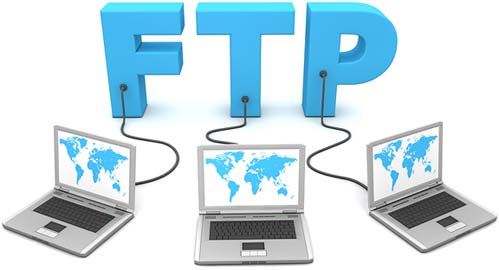
You do not have to select special folders on network drives that transform into a common, uncontrollable data dump.
Save common and personal files and documents of any size on MyChat Server.
Access from MyChat Client, Windows Explorer, or any other FTP client.
